Published: 30 July 2019
Last update: 16 March 2026
How To Put Your Online Booking Link Everywhere
Marketing & Business Tips

One of the essential keys to marketing your business is to “be where your customers are.” We cannot assume that people know where to search you on the Sola website or that since people were able to book an appointment with you once that they’ll remember where to go the next time. With all of the different social media platforms and search tools out there, it is increasingly important for your business to be easily found and discoverable online.
If you have online booking in place, you’re already ahead of the game. Not only does online booking allow people to find your business, but they’ll also easily be able to asses your skills and the services you offer and hopefully book an appointment with you in a few simple clicks - saving you time listening to voicemail, returning calls and playing the dreaded back and forth scheduling game.
There are many different ways people can search when trying to book an appointment with a beauty professional. So even if you have online booking, but it’s not where your customers are searching for you, it’s not doing you any good!
If you use SolaGenius, here’s how you find your SolaGenius URL. This will be the link you use as your online booking URL in all places listed below. (If you’re not using SolaGenius, don’t worry. You can just use the booking URL that you've created via another service.)
Let’s talk about the different ways that you can get your booking link out there in the digital space:
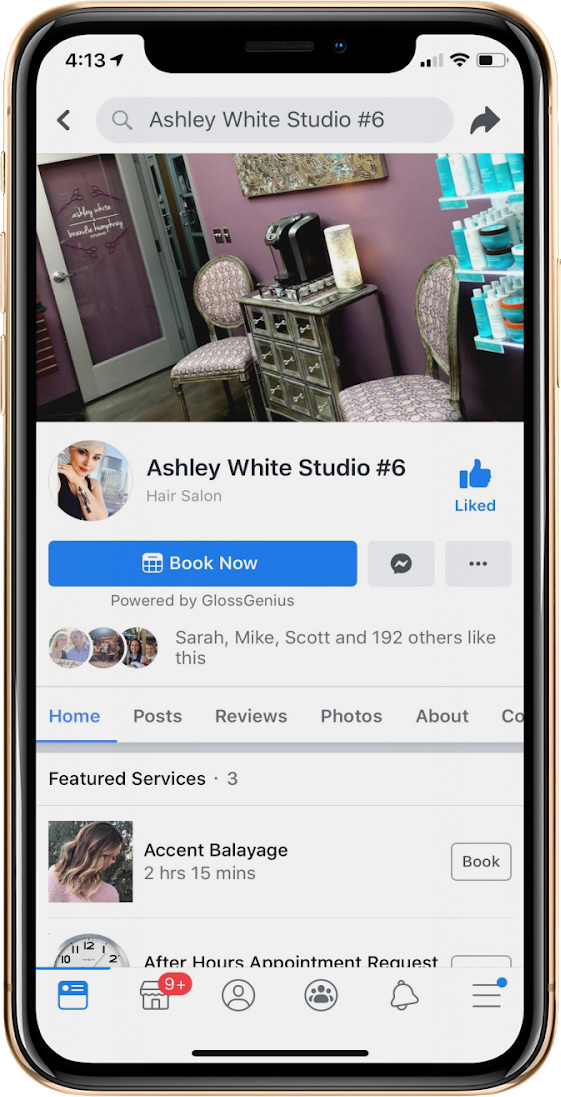
68% of U.S. adults today are active on Facebook. That’s a lot. So even if Facebook isn’t your favorite platform, it’s in your best interest to have a presence there and include your booking URL as a direct way for people to book an appointment with you. Customers who visit your website from Facebook are likely to be more receptive than the average visitor because they already know something about your business and were motivated to click your booking link.
Here is how to add your Book Now button to your Facebook Page with SolaGenius:
Please note: You can only add this feature to a Facebook business page, not your personal Facebook page.
1. Open your SolaGenius app
2. Click Settings
3. Click “Facebook Booking”
4. Click “Connect to Facebook”
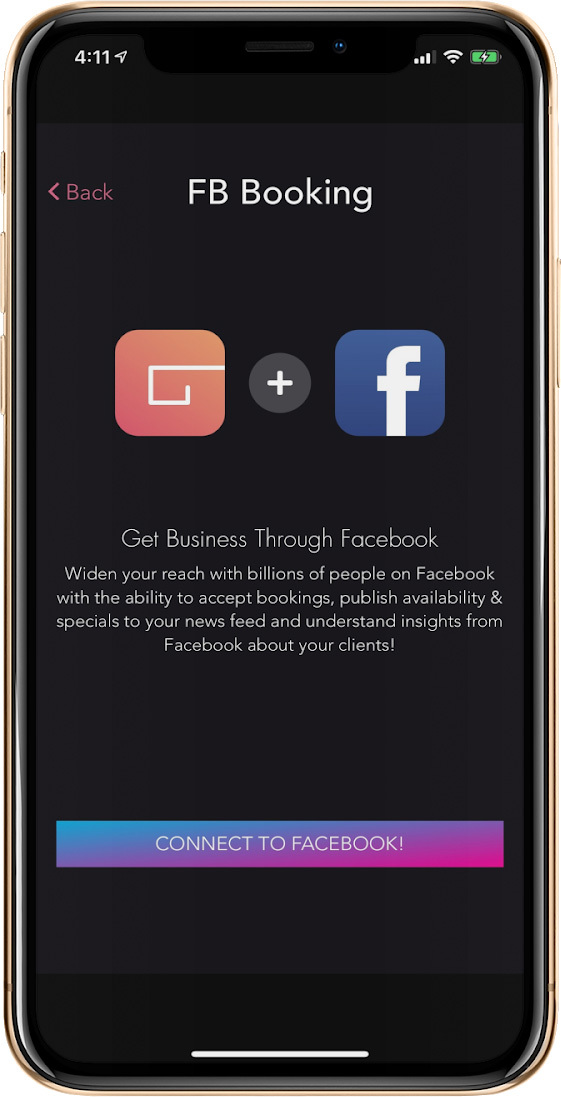
5. Log in to your account that’s linked to your business page. Once you’re logged in, check the boxes of the business account you want to integrate your booking URL with.
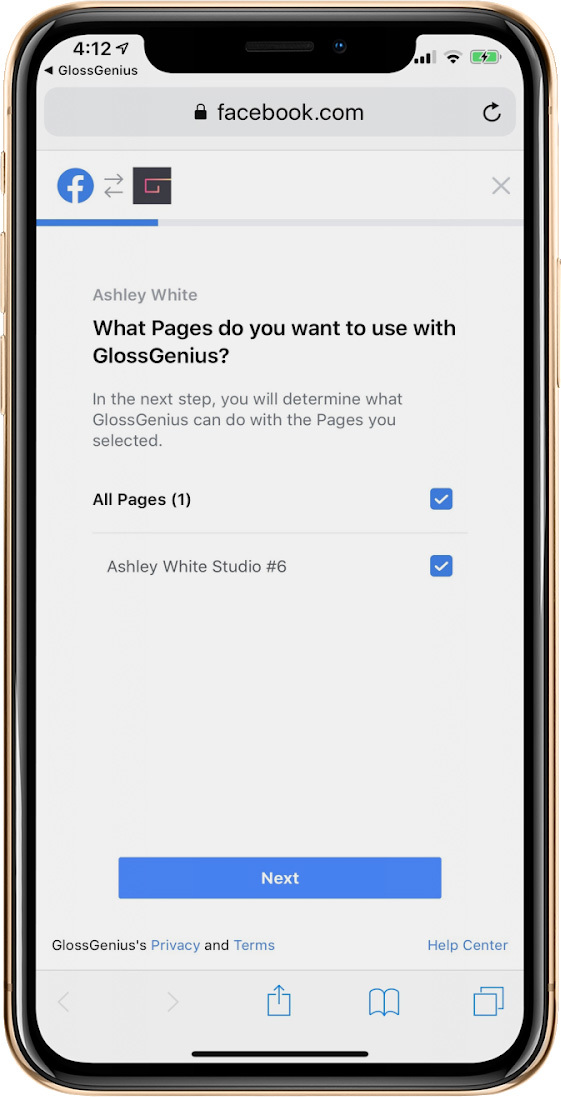
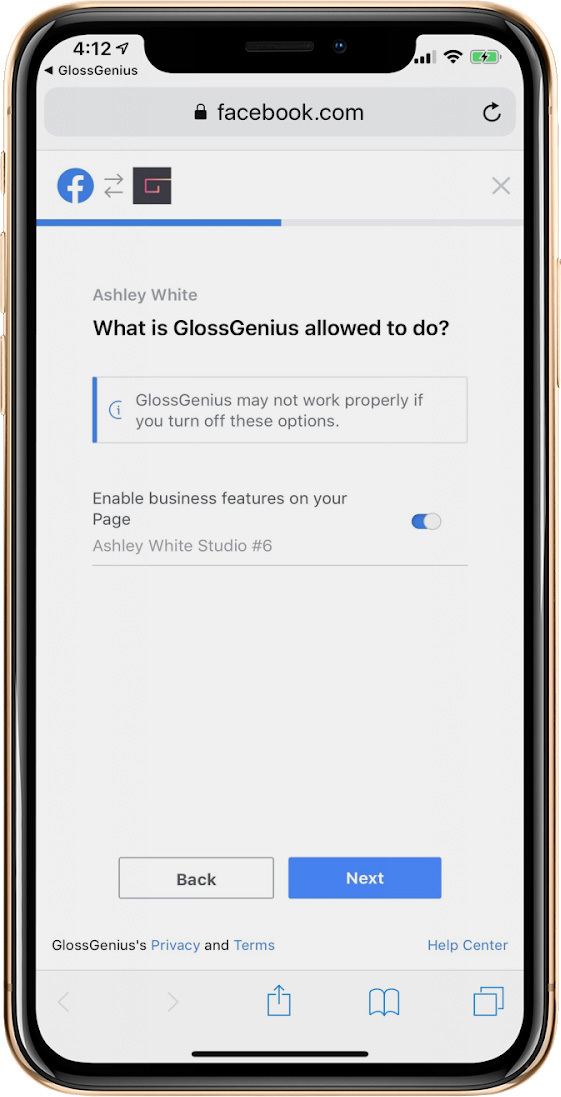
6. On the next screen, click “Enable business features on your page,” then click Next
7. Confirm the details
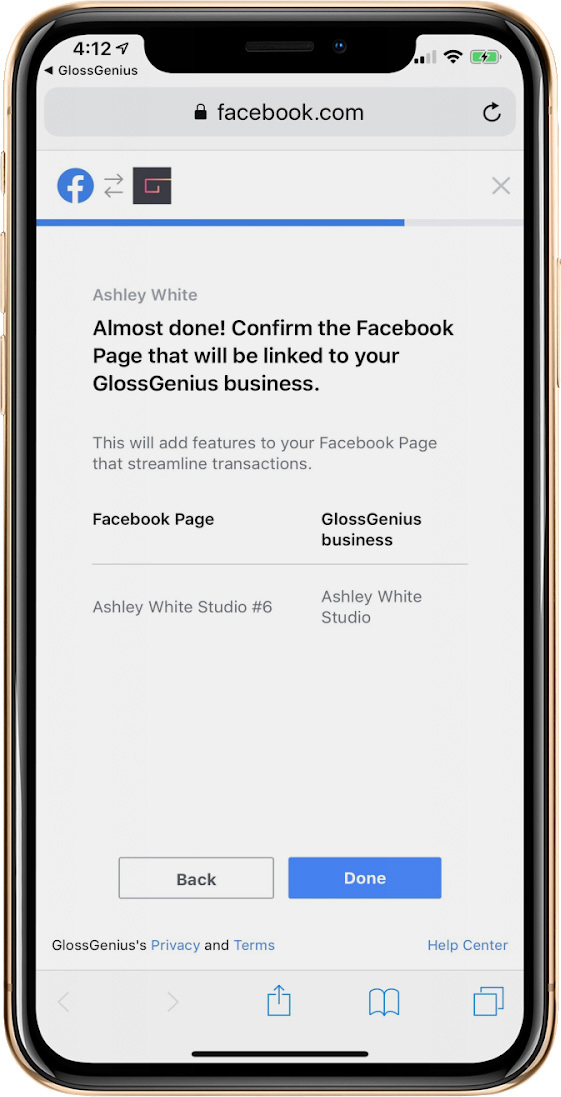
You are all set!
Instagram is a place where people go to get inspired. It’s photographic storytelling. The story beauty professionals tell is a work of art. When people are inspired by your art, they’ll want to be part of your story and book a service with you!
Here is how to add your Book Now button to your Instagram via SolaGenius (if you do not use SolaGenius, skip to step 6 and use your booking URL generated from your online booking platform):
1. Open your SolaGenius app
2. Click Settings
3. Click “Instagram Booking”
4. Click the button to get instructions emailed to you
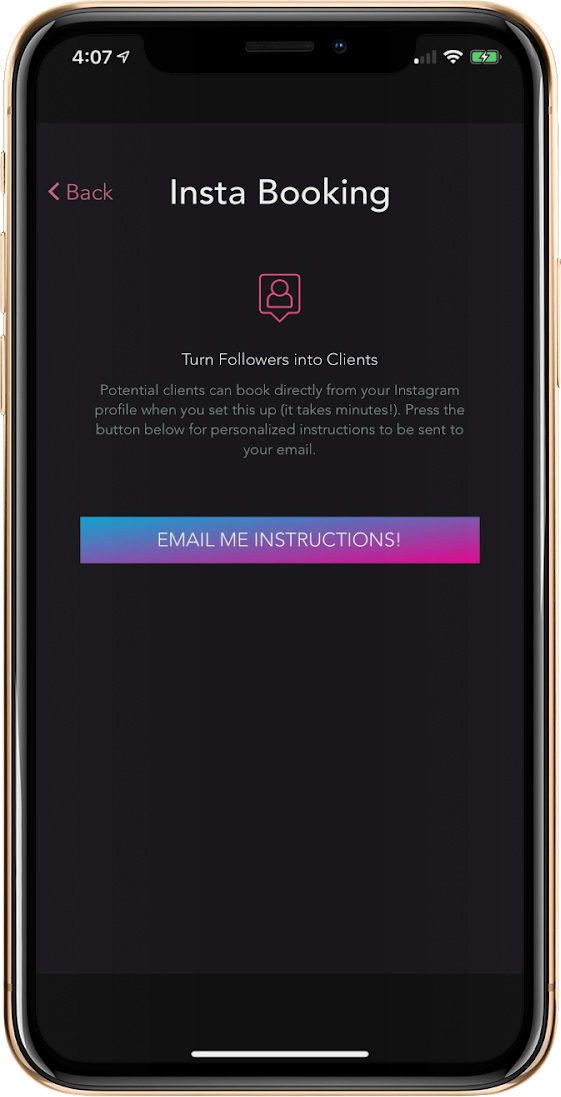
5. You’ll receive an email with the following instructions
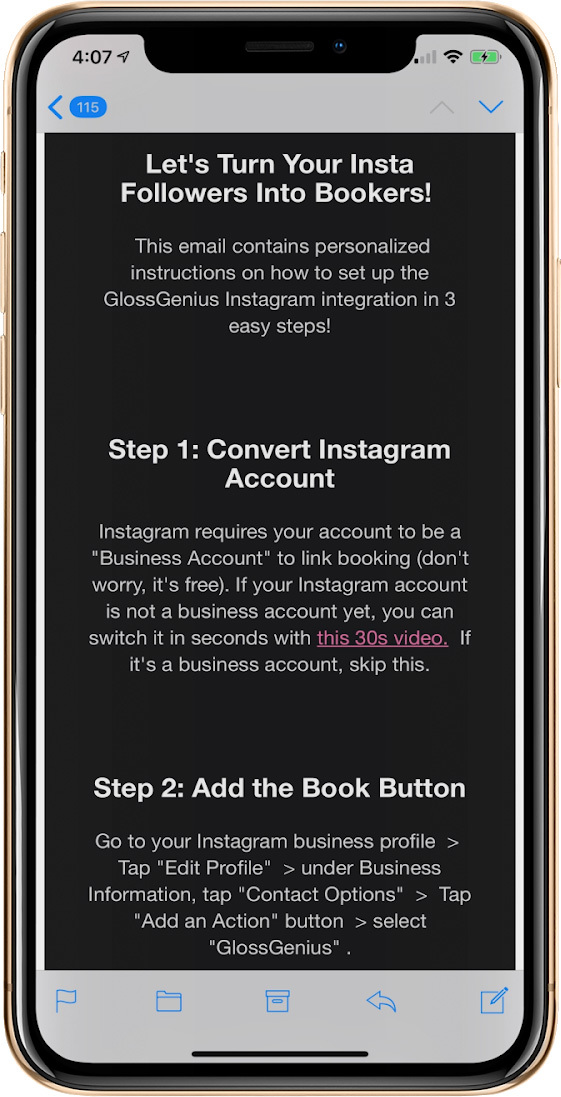
6. Log-in to your Instagram account (please note: you must have a business account to utilize this feature)
7. Click “Edit Profile”
8. Scroll down to Business Info > Contact Options
9. Under Contact Options Click “Action Button Book”
10. Select “GlossGenius”
11. Add your booking URL
All done!
Your SolaWebpage
With over a half a million visits to our website each month, we are not only seeing a ton of traffic on the Sola Salons website, we are also seeing hundreds of appointments being booked. Sola is running advertising to drive traffic to our website for this very reason. So if you do not have your Book Now button visible, you are missing opportunities to grow your clientele every day!
Here’s how to add your Book Now button to your Sola webpage:
1. You must be a SolaGenius user in order to have a Book Now button
2. Log in to your Sola Pro app (or download the app from the App Store if you don’t already have it downloaded on your mobile device)
3. Once you are logged in, click the person icon on the upper right corner
4. Click Edit
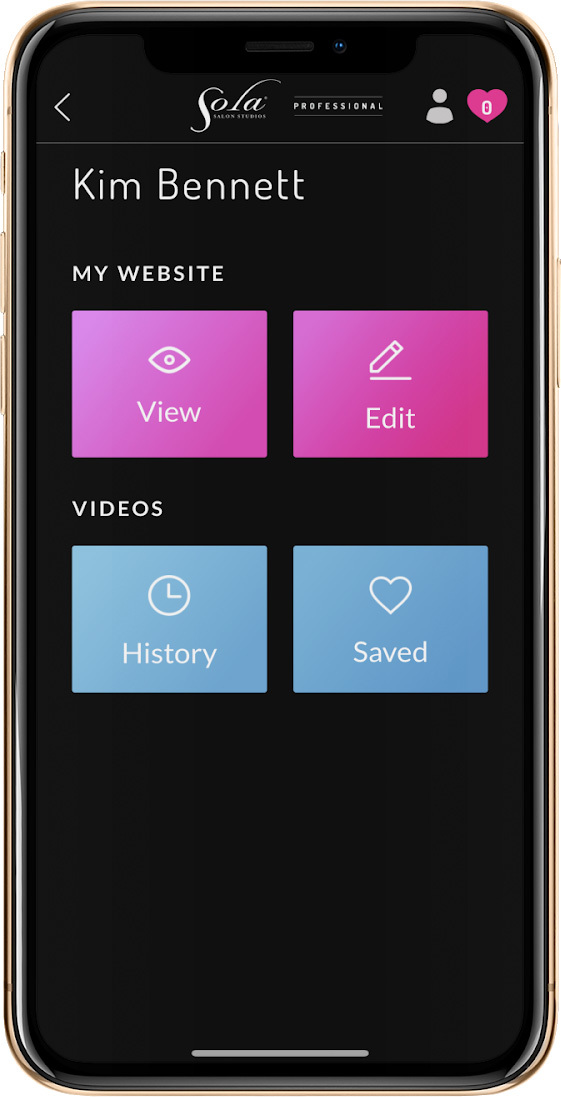
5. Click General
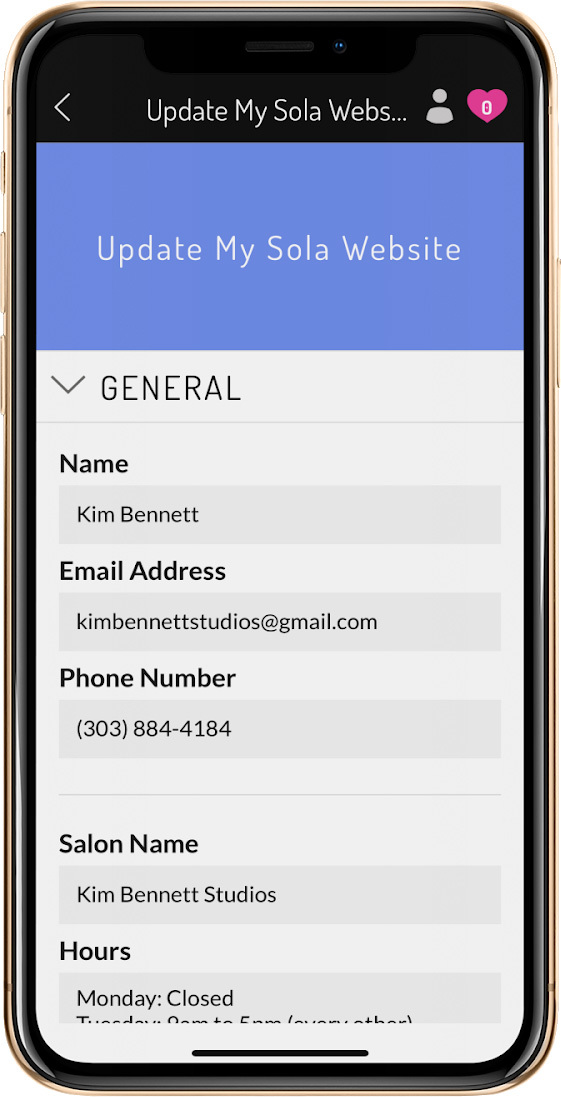
6. Scroll down to where it says: Booking Link
7. Add your booking URL
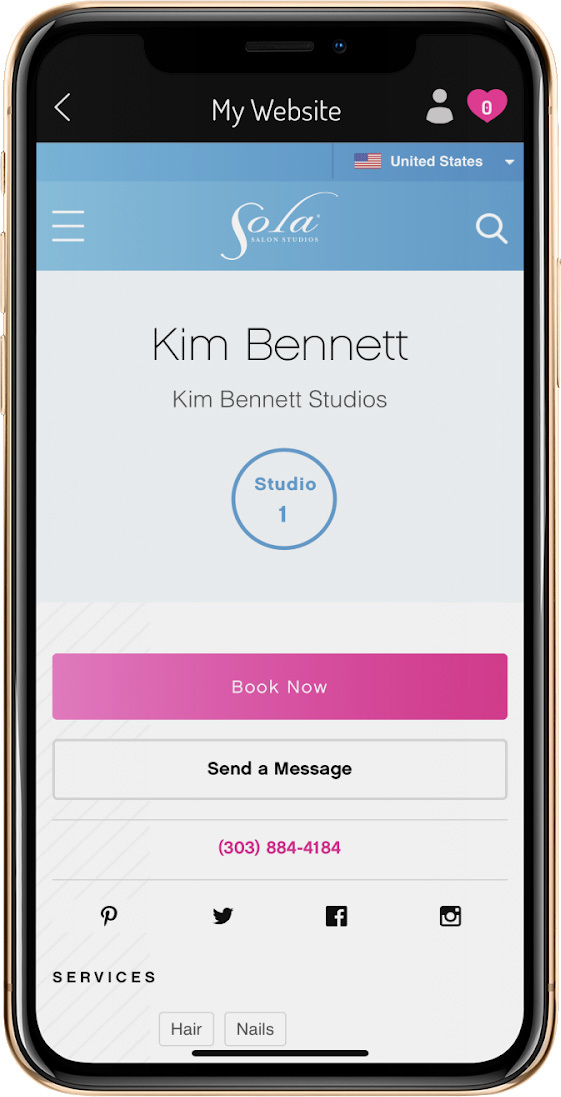
Wahoo - You’re good to go!
Google My Business
Having a Google my Business account is a free and easy way to make sure your business can be easily found and discovered. If you don’t have one, we highly recommended you create your account today. Then, adding your booking URL will be super easy!
Here’s how:
1. Log into your Account
2. Access your Settings
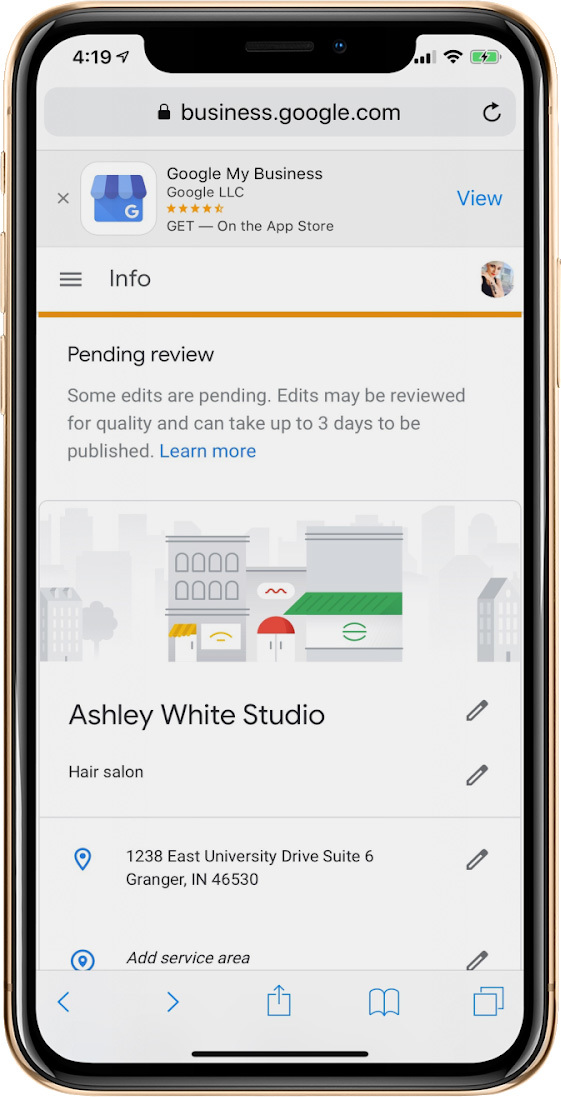
3. Scroll down to where it says Appointment URL
4. Enter your URL
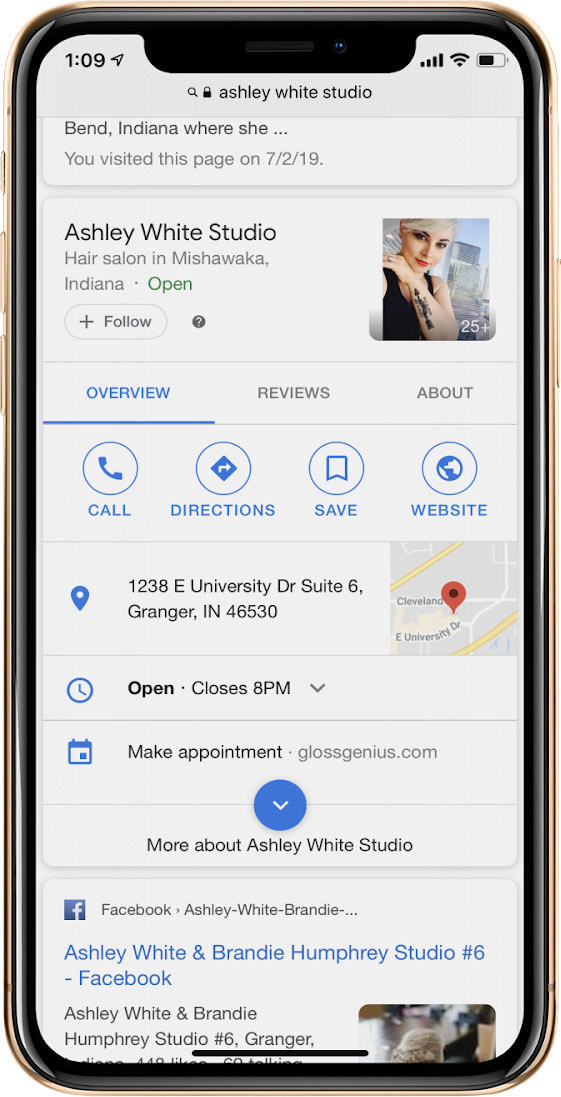
That was super fast and easy! Now you know when people find you on Google, they’ll easily be able to book an appointment with you!
Yelp
Last but not least is Yelp. People love reading reviews, in fact there are studies upon studies that state the people are more likely to make a purchase decision or take action upon reading a review. Yelp has a few different ways that you can access their features - some are free and some are paid. Once again, you’ll need to have a business account have claimed your business in order to take advantage of these features.
Add your URL to your profile (Free Feature):
1. Log-in to your account
2. Update your business details or edit profile
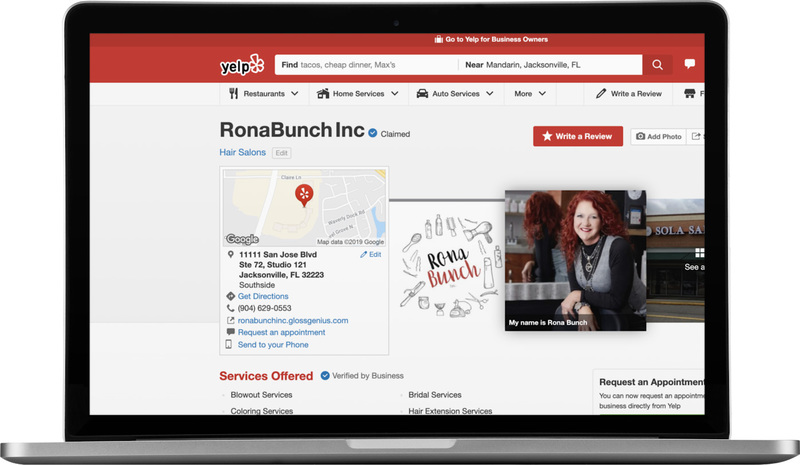
3. Scroll down to where it says add your web address
4. Add your booking URL
All done!
Allow people to request appointments with you (Free Feature):
1. Log-in to your account
2. Click “Edit your business settings” from the top navigation
3. Scroll down to Inbox and click it
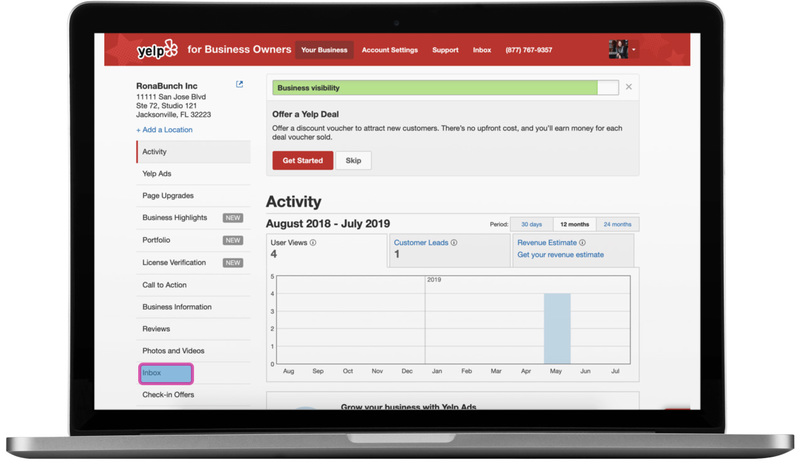
4. Next to your name, click the flower looking button or gear icon
5. Under Messaging, click you will need to click “Enabled”
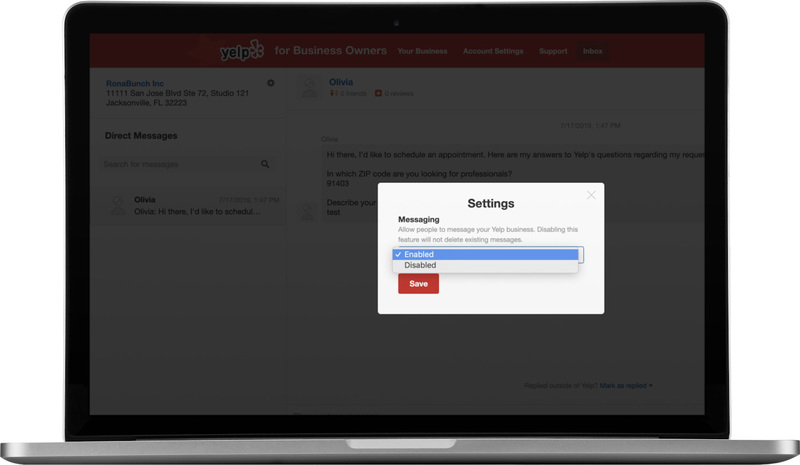
Now people will be able to request an appointment with you
Add a Book Now button to your page (PAID FEATURE - $3 per day):
When people are scrolling through the results, this helps your business stand out by featuring a Book Now button.
1. Go to your business settings
2. Scroll down to Call to Action and click it
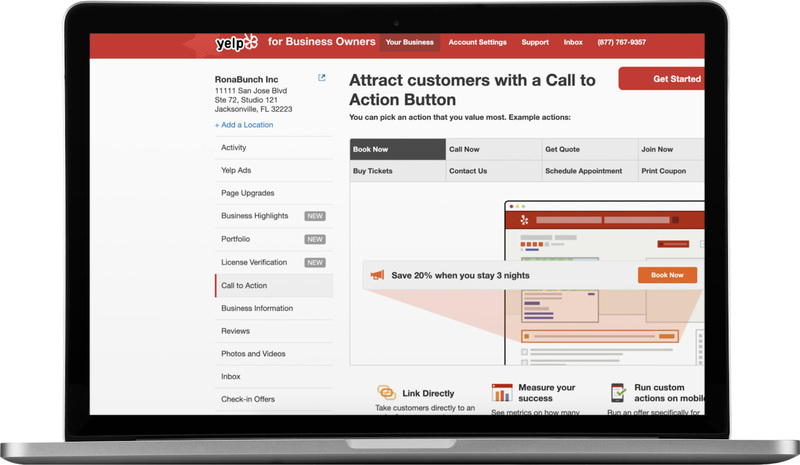
3. Here you will able to opt-in to adding your Book Now button + URL.
4. With the payment feature, you will get access to all sorts of great analytics around how people are engaging with that button and your business.
Now, you’re on your way to making your business more discoverable, and even better, more bookable! If you do not have SolaGenius, click here to sign up for a 30-day free trial.
If you want a deeper walk-through on adding your booking URL everywhere, click here on a mobile device to watch our Putting Your Booking Link Everywhere webinar in Sola Pro.