Published: 24 March 2020
Last update: 16 March 2026
Introducing SolaGenius Gift Cards

We are thrilledto announce the latest feature from SolaGenius, gift cards! Clients can now purchase gift cards directly through your SolaGenius online booking website. Gift cards will help you maintain client loyalty, get pre-payments for appointments and allow you to make money even when you’re not in the salon! 💰🙌
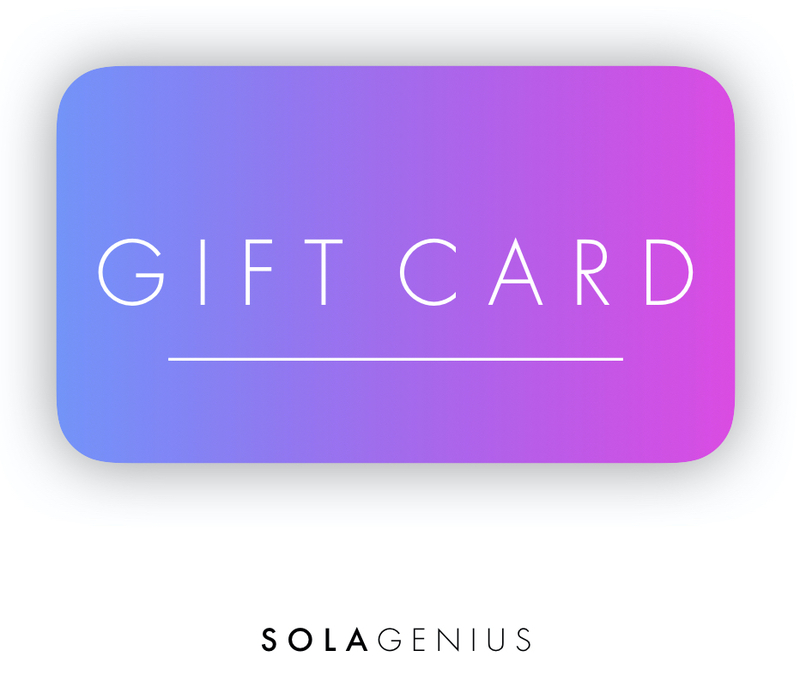
The team behind SolaGenius has been working around the clock to create aturnkey gift solution to help you maintain a stream of income even when you're not working behind the chair. Additionally, gift cards are a wonderful way to stay connected toyour clients while alsogiving them an opportunityto share their love of your salon with their loved ones.
How can your clients buy gift cards from you?
Clients can visit your onlinebooking site > Click “About” > Click on “NEW! Gift cards available here”
OR direct them toyour unique gift card booking link:{yourbookingsite}.glossgenius.com/gift-cards
Select gift card amount and fill in clientinformation
Click “Purchase Now”
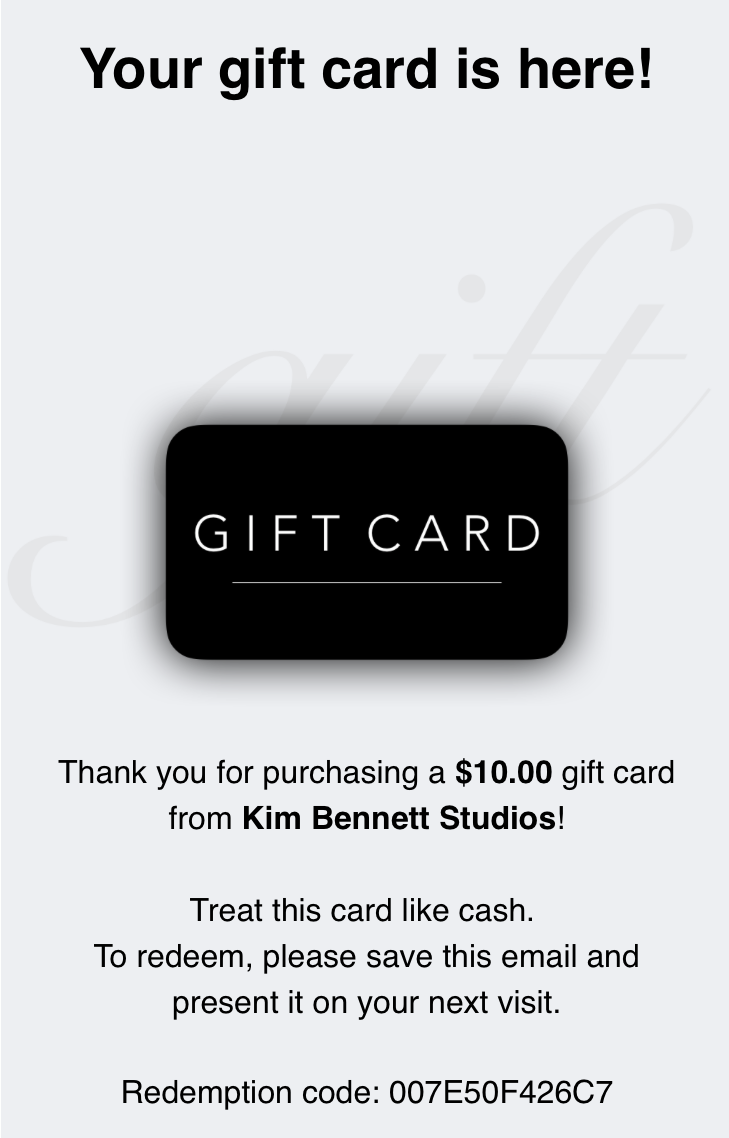
An email confirmation will be sent to your client and to you!
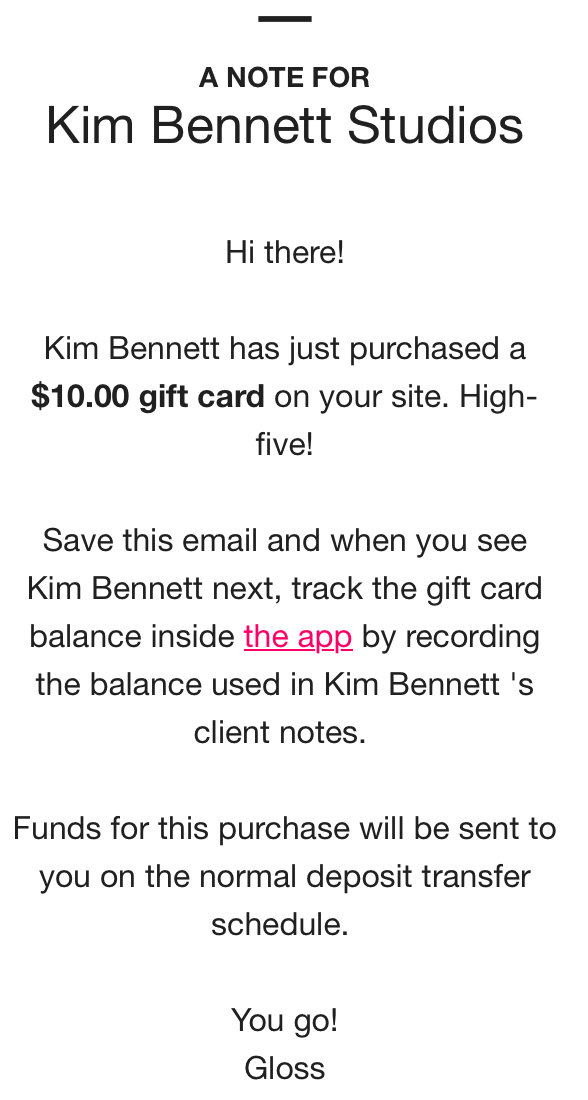
Purchase Confirmation ✅
Clients will receive a pretty email confirmation with their gift card. You will also receive an email notification. Saving these emails will help you keep track of gift cards sold in case a client accidentally deletes theirs!
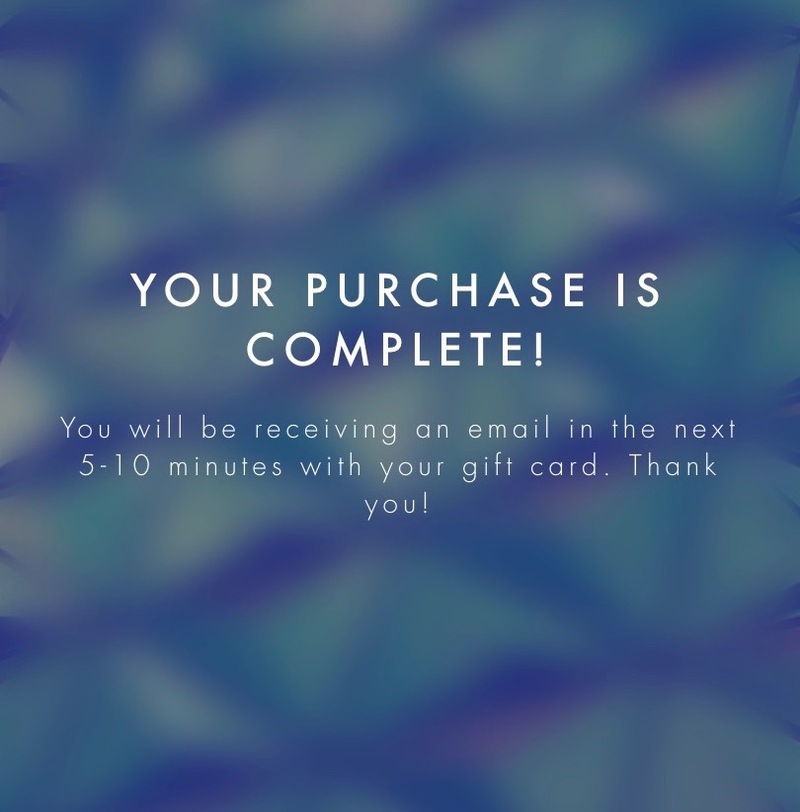
Funds for your gift card sales will be sent to you on the regular deposit schedule (same business day). Redeeming gift cards 🤝
To redeem a client's gift card, edit the service price to remove the amount of the gift card.
To edit the service price, tap on the service at checkout, tap on the price, edit it, then press Save. For example, to redeem a $50 gift card, remove $50 from the price of the service, press Save and continue with the checkout process.
After checkout, track the redemption amount and balance remaining in your client’s notes. To do this, at the bottom of the app, tap Clients > select your client > Notes. We’ll be making more updates to tracking shortly.
Tips To Get The Word Out
Share your unique gift card link:Clients can easily purchase a gift card straight from your website. Your unique gift card link is:{yourbookingsite}.glossgenius.com/gift-cards
Social Media:We’ve added new templates inside the “Social Templates” feature for you to announce that gift cards are available. In your app, click More > Social Templates > and select a Gift Card template.
Send a text or email blast:Send out a text blast through GlossUp or send an email through eMailer to your clients.
Not a SolaGenius user yet? Get started by signing up for a free 30-day SolaGenius trialhere.